
It reads your written description and generates instrumental music that matches the mood, pacing, and atmosphere you describe.
Text to Music
Turn a scene, storyboard note, or mood description into original instrumental music.
Text to Music in AItoSong is for moments when the atmosphere comes before the lyrics. Describe the setting, motion, tension, or emotional pace, and generate an instrumental track that supports it. This workflow is useful for videos, demos, pitches, prototypes, and any project where a sonic mood is more important than a full vocal song at the start.
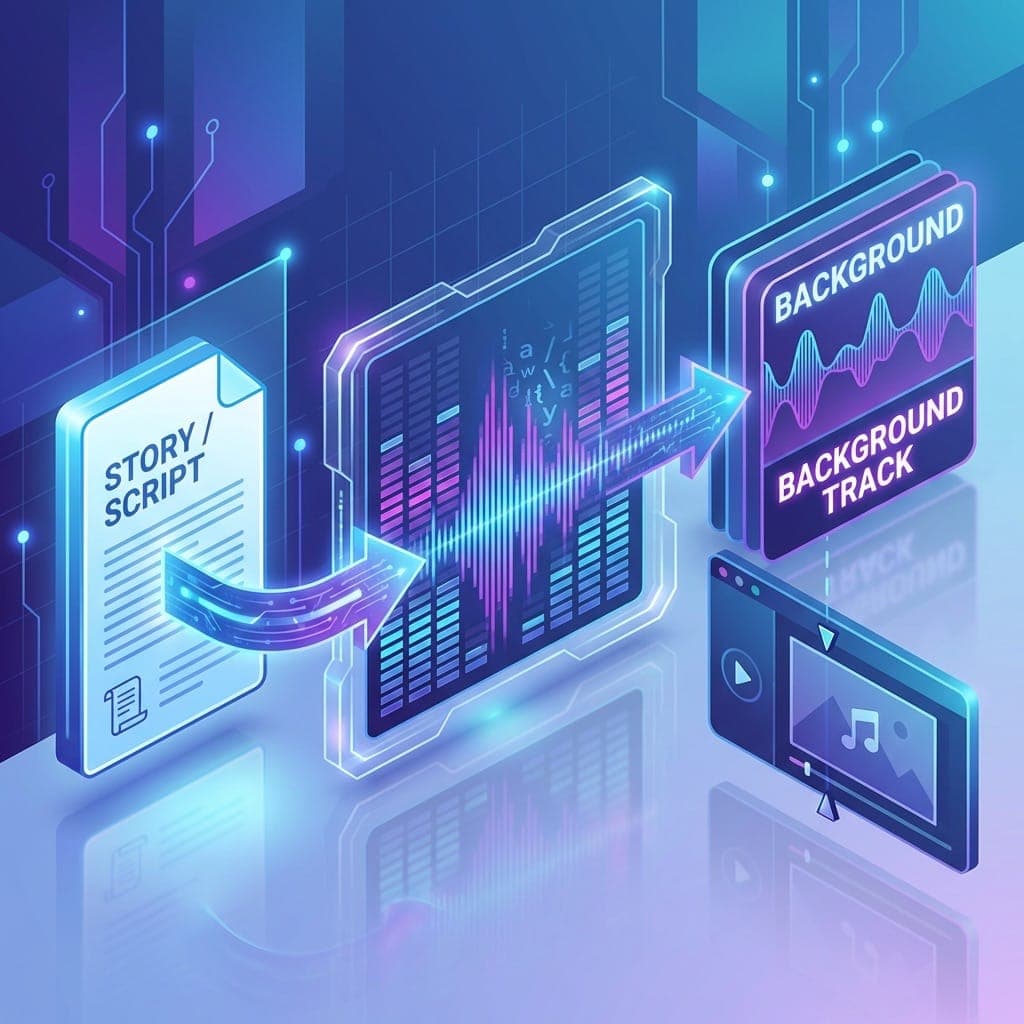
How the workflow behaves
This mode reads descriptive language and turns it into instrumental output. Instead of focusing on verses or hooks, it is tuned for pacing, tone, texture, and scene support. Use it when you need music that frames a story beat, supports a visual, or helps you test a creative direction quickly.
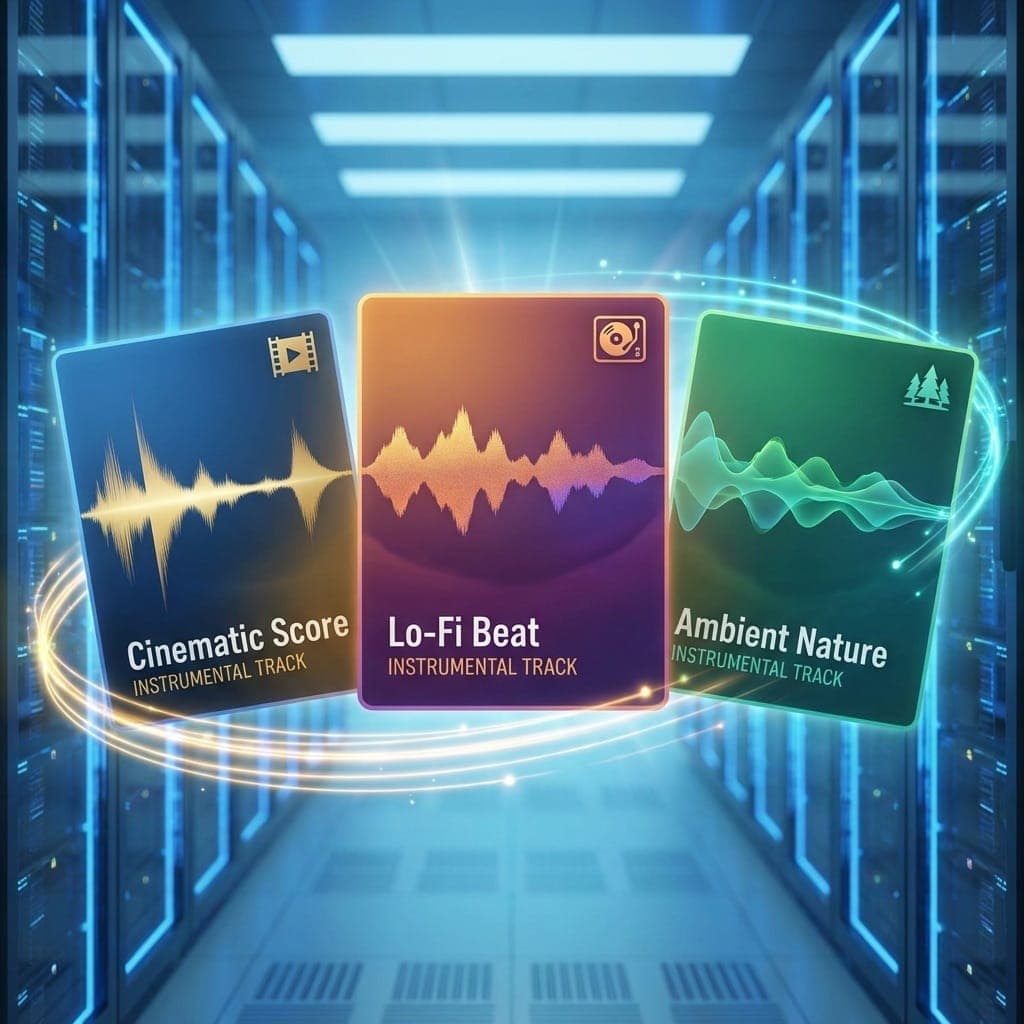
What you can create
- •Background music from scene descriptions
- •Mood tracks for trailers, videos, or presentations
- •Instrumental sketches for songs that are not vocal-ready yet
- •Atmospheric music for storytelling and prototypes
Who this workflow fits
For video editors and content teams
Generate music that follows pacing and tone without relying on stock libraries.
For writers and narrative creators
Turn scenes, settings, and emotional beats into sound so you can evaluate the mood more quickly.
For marketers and internal creative teams
Score brand stories, product teasers, and presentation moments from a written brief.
For songwriters testing atmosphere first
Find the sonic world before you commit to lyrics and melody.
How people use it
Alex · Video Creator
"We describe the cut and motion of a video scene, and AItoSong gives us a first-pass score that is more specific than stock music."
Emily · Storyteller
"I use it to hear the world of a story before I start writing a vocal song for it."
James · Content Marketer
"It is useful when a campaign needs original mood music quickly and a full production process would be too slow."
Build the atmosphere first
When the sound world is clear but the final song is not, start with Text to Music and shape the project from there.
Generate Instrumental MusicTurn the idea into a full song
Move from instrumental mood to a complete vocal track when the concept is ready.
Open AI Song GeneratorWrite lyrics for the concept
Draft hooks, verses, and choruses before you build the complete song.
Open Lyrics GeneratorRefine generated music
Use extension and separation tools after you find the right musical direction.
See music toolsPromote an instrumental into a song
Take the mood you discovered here and turn it into a full vocal song in the song generator.
Go to AI Song GeneratorFrequently Asked Questions
Short scene descriptions, visual references in words, emotional cues, and concise creative briefs usually work well.
This workflow focuses on instrumental music, ambient support, and background scoring rather than full vocal songs.
No. The main requirement is being able to describe the sound or scene you want.